Kategorien durchsuchen
Deutsch
$
USD
Verbinden Sie sich mit Ihrer KI
Streaming Setup Specialist OBS, TikTok Live and Streamlabs Expert
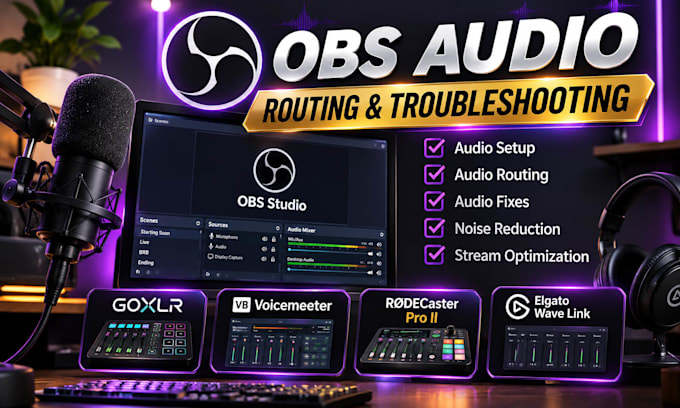
Are you struggling with OBS audio, microphone configuration, audio routing or streaming sound issues?
I will professionally set up, configure and troubleshoot your streaming audio to help you achieve clean, balanced and properly routed sound.
MY AUDIO SERVICES INCLUDE:
WHY CHOOSE MY SERVICE?
I focus on practical audio solutions tailored to your equipment and streaming workflow. Whether you're starting a new stream or fixing existing audio problems, I'll help configure your setup correctly.
PLEASE CONTACT ME BEFORE ORDERING so we can discuss your equipment, requirements and the best solution for your setup.
Let's get your streaming audio working properly!

Software:
OBS-Studio
Plattform:
•
Twitch
•
YouTube
•
Kick
1. Can you fix OBS audio problems such as echo, distortion or microphone issues?
Yes! I can troubleshoot and fix common OBS audio problems, including echo, distortion, incorrect audio levels and microphone configuration.
2. Can you configure GoXLR and Voicemeeter together?
Yes! I can configure GoXLR and Voicemeeter for proper audio routing, microphone processing and application audio management, depending on your equipment.
3. Can you separate my game audio, microphone, Discord and music?
Yes! I can configure separate audio sources and routing so you have better control over your streaming and recording audio.
4. Do you support RØDECaster Pro II and Elgato Wave Link?
Yes! I can assist with supported configurations, audio routing and integration with OBS Studio
5. Can you fix audio problems without changing my entire streaming setup?
Yes! I'll first assess your existing configuration and focus on fixing the specific issues without making unnecessary changes.
6. Do I need to provide remote access to my computer?
Not always. I can provide step-by-step guidance or use remote assistance through AnyDesk or RustDesk when necessary and agreed upon.
7. Can you configure my audio for both live streaming and recording?7
Yes! I can configure OBS audio tracks and routing for streaming and recording, depending on your software and hardware capabilities.
