Kategorien durchsuchen
Entdecken
Fiverr Pro
Deutsch
$
USD

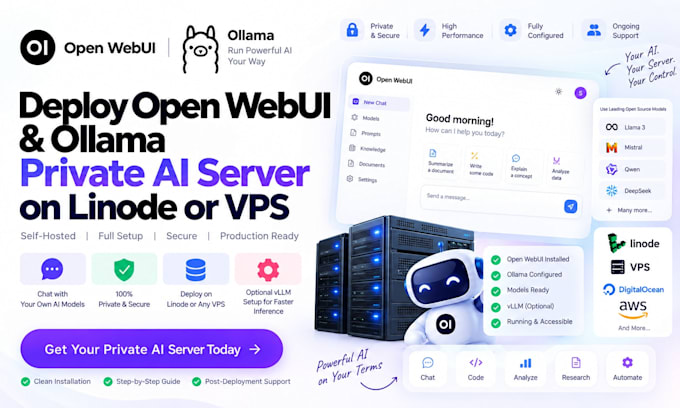

Deploying self-hosted private AI infrastructure requires precise server tuning and reliable software integration to ensure smooth inference. I deliver end-to-end setups of Open WebUI, Ollama, and high-performance vLLM engines on Linode, DigitalOcean, or any dedicated VPS, keeping your internal data entirely private.
My deployment pipeline handles operating system preparation, CUDA acceleration, container orchestration via Docker, and secure web interface delivery. Whether you want lightweight local models with Ollama or continuous batching and low-latency serving powered by vLLM, I optimize every layer for your hardware specs.
From configuring domain SSL encryption to managing multi-user access controls, you get a turnkey, production-ready AI control center tailored for teams, developers, and enterprises requiring maximum throughput and control over their private LLMs.
AI Server Cloud Deployment Specialist
Sprachen
Why should I use vLLM over standard Ollama for serving models?
Ollama is best for simple desktop development and single-user tasks, whereas vLLM utilizes PagedAttention and continuous batching to deliver higher throughput, low latency, and efficient GPU VRAM management when serving multiple concurrent users in production.
Can I connect external commercial APIs like OpenAI or Anthropic alongside my local vLLM models?
Yes, Open WebUI natively supports dual connections. You can query local models running through Ollama/vLLM and external cloud API endpoints simultaneously within the same user workspace.
What minimum hardware specifications are needed to run vLLM and Open WebUI smoothly on a VPS?
While CPU-only Ollama runs on standard VPS instances, running vLLM requires a Linux VPS equipped with an NVIDIA GPU (at least 16GB VRAM for 7B/8B parameter models) and a minimum of 16GB system RAM for optimal inference.
