Kategorien durchsuchen
Entdecken
Fiverr Pro
Deutsch
$
USD
MS Office and Data Analytics Specialist
Are you struggling with unorganized data, broken formulas, or repetitive manual tasks?
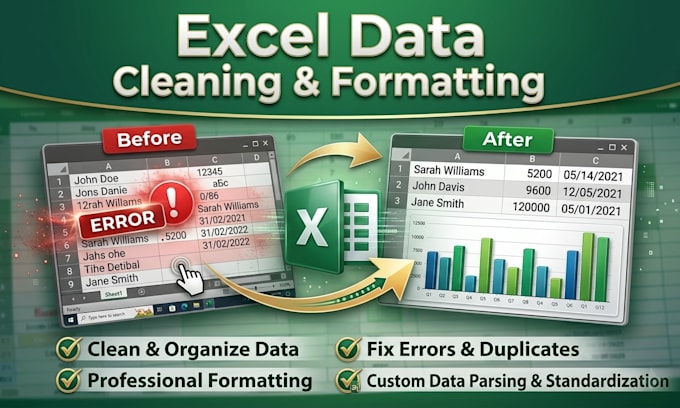
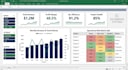
As an expert Microsoft Excel developer and data analyst, I build scalable data models, interactive corporate dashboards, and robust VBA automations to streamline your business workflows. I transform raw data into clean, optimized, and fully editable spreadsheet assets.
Core Services Offered
Technical Execution
Professional execution. Zero hidden locks. Drop a message with your project scope before ordering.




Plattform:
Excel
•
Google Sheets
•
Microsoft Office
Entwicklungstechnologie:
Python
•
Excel
Expertise:
Makros
•
Dashboard
•
Bereinigen
Do you provide the full source code for the spreadsheet?
Yes. Every delivery includes 100% unlocked worksheets, open formulas, and unencrypted VBA scripts. You maintain absolute ownership and can edit the file freely.
Can you connect my Excel sheet to external data sources?
Yes. I use Power Query to establish live connections to external data sources, including separate CSV/Excel files, SQL databases, or Web APIs (Standard/Premium tiers).
Will my spreadsheet work on both Windows and Mac?
Formulas and charts work perfectly on both. However, advanced VBA macros and custom toolbar integrations have limited compatibility on Mac. Please message me before ordering if you use Mac.
How do I know how to operate the macros or dashboard you build?
Depending on your package, I include either an embedded "Instructions" tab or a comprehensive external PDF user guide detailing how to run macros and refresh data.