Kategorien durchsuchen
Entdecken
Fiverr Pro
Deutsch
$
USD
An Expert In CRM
Level 2
Hat hohe Leistungskriterien erfüllt und verfügt über eine nachgewiesene Erfolgsbilanz bei der Erfüllung von Kundenerwartungen.
Schnelle Antwortzeit
Zeichnet sich durch besonders schnelle Antwortzeit aus.
migrate-docketwise-inszoom-pclaw-lawlogix-quickbook-clio-mycase-lawmatics-litify
Hello Business Owner
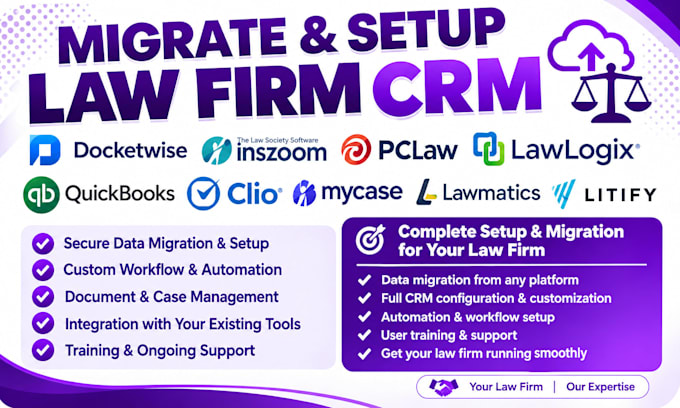
I move law firm data from Docketwise, INSZoom, PCLaw, LawLogix, and QuickBooks into Clio, MyCase, Lawmatics, and Litify without losing case history.
Switching software is easy. Moving years of client records, case files, documents, and billing history without errors or missing deadlines is not. I handle the full transfer for you.
What I do:
I have hands-on experience with immigration case systems (Docketwise, INSZoom, LawLogix), older platforms like PCLaw, QuickBooks-based billing, and modern platforms including Clio, MyCase, Lawmatics, and Litify. I know how each system stores data, so nothing gets lost or mismatched.
Every migration includes a check before and after transfer to confirm your records match.
Message me with your current platform and the one you're switch!!!!



Software:
Clio
Branche:
Recht
•
Marketing & Werbung
•
Software
Which platforms do you migrate from and to?
I migrate data from Docketwise, INSZoom, PCLaw, LawLogix, and QuickBooks into Clio, MyCase, Lawmatics, and Litify. If your platform isn't listed, message me before ordering and I'll confirm whether I can support it.
Will my current system be affected during the migration?
No. I work from an export of your data, not inside your live account. Your current system stays fully functional until you're ready to switch over.
Is my client and case data safe during the transfer?
Yes. All files are handled through secure, private channels, and I don't store or share your data beyond the scope of the project. Confidentiality is standard on every order.
How long does a migration take?
Basic contact migrations take about 2 days. Full case migrations with documents and billing take 5 to 10 days depending on the size of your data and the package you choose.
Do I need to keep my old software active during the process?
Yes, until the migration is verified complete. I recommend keeping your old platform active until you've confirmed everything transferred correctly on the new one.
What happens if some data doesn't match up between platforms?
Every migration includes a check before and after transfer. If fields don't map cleanly (some platforms structure data differently), I flag it and confirm with you how it should be handled rather than guessing
Can you migrate a large firm with thousands of records?
Yes, larger volumes are handled as custom orders outside the standard packages. Send me your record count and I'll quote accordingly.
Do you set up automation between my CRM and case management tool?
Yes, that's included at the Premium tier — connecting your practice management platform with Lawmatics or Law Ruler so leads and case updates sync automatically.
What do you need from me to get started?
Login access or a data export from your current platform, and confirmation of which platform you're moving to. I'll send a short intake form after you order.
What if I need support after the migration is done?
Premium orders include 30 days of post-migration support. Basic and Standard orders include one round of fixes if something needs adjusting after delivery.