Kategorien durchsuchen
Entdecken
Fiverr Pro
Deutsch
$
USD




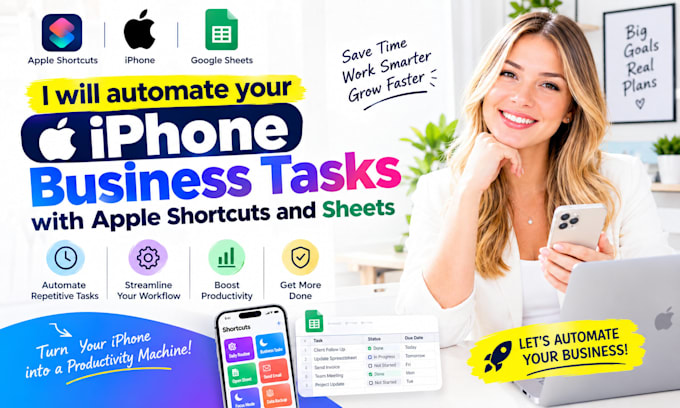
Are you manually entering leads, expenses, receipts, inventory, timesheets, or daily business notes?
WHAT I CAN DO FOR YOU
Message me now or place an orderI respond in seconds!
IM AVAILABLE TO GET STARTED ON YOUR PROJECT RIGHT NOW IF YOU REACH OUT
Apple Shortcuts Google Sheets; iPhone business automation; lead capture shortcut; expense tracking shortcut; receipt to spreadsheet; inventory count shortcut; timesheet automation; daily report shortcut; customer data capture; business note capture; voice to Google Sheets; photo to Google Sheets; QR code shortcut; barcode scanner shortcut; location capture shortcut; time capture shortcut; sheet column mapping; data valida
Expert
Sprachen
1. Can it add data directly to Google Sheets?
Yes, where your Google account and the selected connection method support it. I can map shortcut fields to sheet column Apple Shortcuts Google Sheets;iPhone business automation; lead capture shortcut; expense tracking shortcut; receipt to spreadsheet; inventory count shortcut; timesheet automation;
2. Can it capture leads or customer details?
Yes. I can create a shortcut that collects chosen details and appends them to a lead or customer sheet. Apple Shortcuts Google Sheets; iPhone business automation; lead capture shortcut; expense tracking shortcut; receipt to spreadsheet; inventory count shortcut; timesheet automation; daily report
3. Can it track expenses or receipts?
Yes. I can create a receipt or expense workflow that saves details and, where supported, the receipt image or file link. Apple Shortcuts Google Sheets; iPhone business automation; lead capture shortcut; expense tracking shortcut; receipt to spreadsheet; inventory count shortcut; timesheet automatio
4. Can it use voice input?
Yes. I can create a voice-to-sheet workflow using dictation and structured fields where supported. Apple Shortcuts Google Sheets; iPhone business automation; lead capture shortcut; expense tracking shortcut; receipt to spreadsheet; inventory count shortcut; timesheet automation; daily report
5. Can it scan barcodes or QR codes?
Yes, where your device and Shortcuts version support the relevant scanner action. Apple Shortcuts Google Sheets; iPhone business automation; lead capture shortcut; expense tracking shortcut; receipt to spreadsheet; inventory count shortcut; timesheet automation; daily report shortcut; customer