Kategorien durchsuchen
Deutsch
$
USD
Deine KI mit Fiverr verbinden
Email marketing Specialist
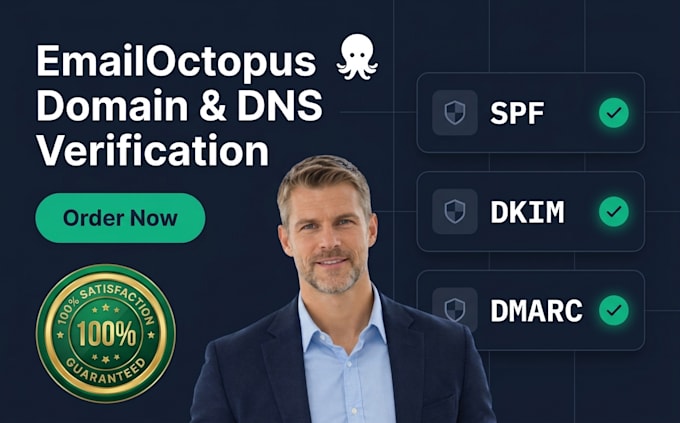
Are your EmailOctopus emails landing in spam or showing unverified domain warnings? Without proper authentication, inbox providers like Gmail and Yahoo block or filter your newsletters.
I verify your sending domain in EmailOctopus and configure your DNS records so mail servers trust your domain.
What is included:
What is NOT included:
Writing email copy, cleaning your subscriber list, or guaranteeing primary inbox placement (since list quality, content, and sender reputation also matter).
Who this is for:
Newsletter creators, coaches, and small businesses using EmailOctopus who want clean technical authentication.
Why work with me:
I bring hands-on experience with email deliverability and verify every setup using emailcotopus and other email marketing platforms.
Send me a message with your domain host and EmailOctopus setup before ordering so we can get started.



Betriebssysteme:
Windows
•
Linux
•
IOS
•
Android
•
BSD
Will this guarantee inbox delivery?
No, and you should be careful of anyone who promises 100% inbox placement. Domain authentication proves you own your sending domain, which is a vital technical requirement for Gmail and Yahoo. However, inbox placement also depends on your list quality, subscriber engagement, email content & sender.
Is it safe to give you DNS access?
Yes, when done through delegate or shared access rather than sharing your main login. Registrars like Cloudflare, Namecheap, and GoDaddy let you invite a collaborator to manage DNS records only, without giving access to your billing or domain ownership.
What DMARC policy will you set up?
I start with a monitoring policy connected to an aggregate reporting address. Jumping straight to a strict project policy can accidentally block legitimate emails from other tools you use, like invoices or contact forms.
How long does it take for DNS changes to work?
Most DNS updates propagate within 15 minutes to a few hours, though some domain registrars take up to 24 hours. I will monitor the propagation and run a live test send to verify that your SPF, DKIM, and DMARC checks show a clear "PASS" before marking the order complete.
What if I use a different newsletter tool alongside EmailOctopus?
1. Please let me know before ordering if you also send emails through Google Workspace, Microsoft 365, or another platform. Each domain can only have one SPF record, so I will carefully merge your EmailOctopus record with your existing records so nothing breaks.